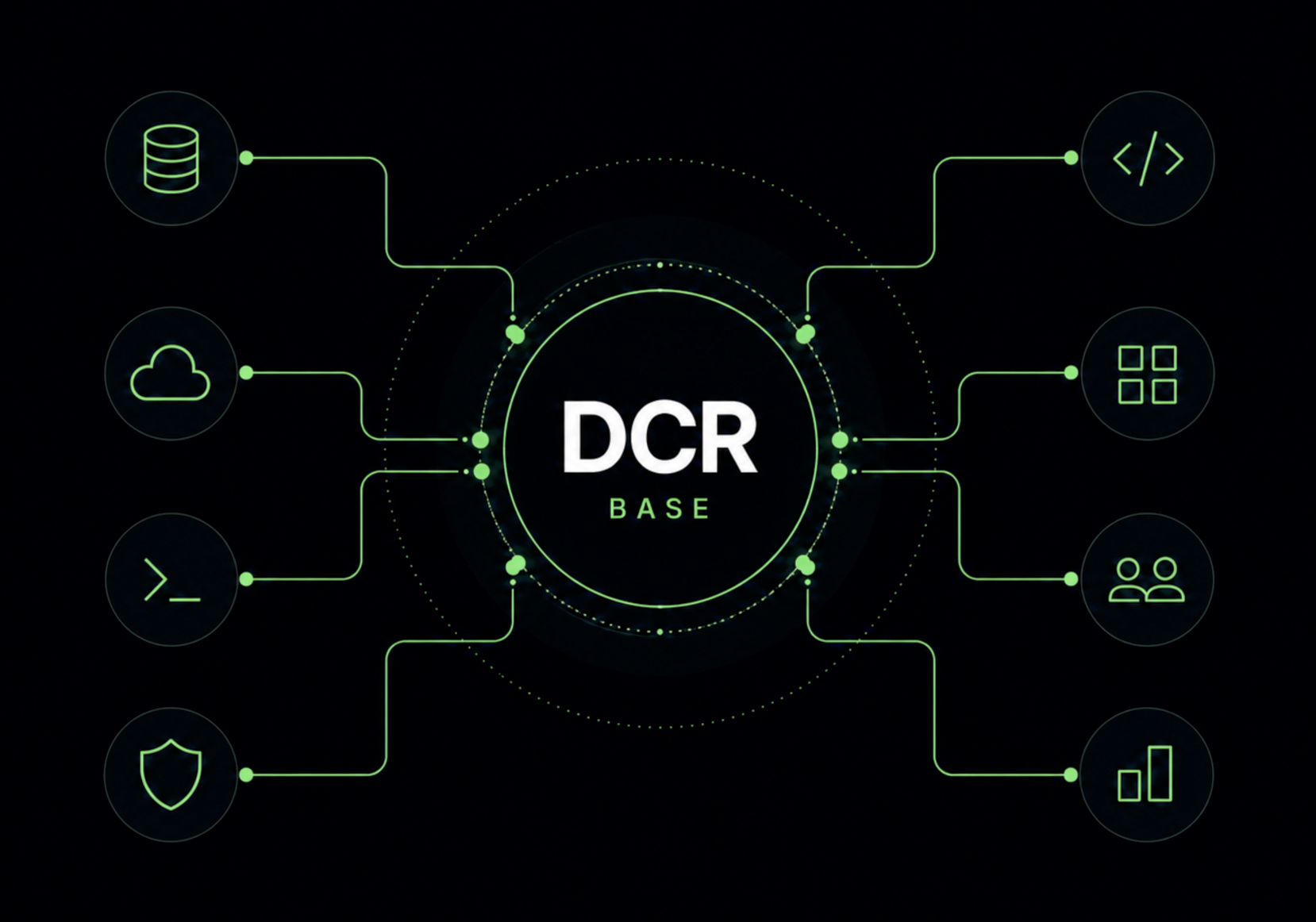
After building five DCR panels that now receive tens of thousands of downloads per month, I found myself repeatedly implementing the same concepts around building internal tools and surfacing them through the Django admin. While a lot of this repetition has been facilitated by a cookiecutter template, it is now prudent to establish a new core library and package dj-control-room-base.
This new package centralizes some of the common DNA around creating panels but also adds some new important changes like more granular permissions, MCP tool definitions and a design system. These new changes are aimed at making it much easier to develop new internal tools in the Django admin
Aside: the Django Control Room(DCR) is composed of several tools called panels(such as dj-redis-panel) as well as a central hub package dj-control-room that aggregates panels into a single place.
DCR can also be used as a framework for building your own internal tools. Rather than creating standalone Django applications, teams can build their own suite of custom operation interfaces directly inside the Django admin.
Panel Configuration
At the center of the package is the introduction of a standardized way to express panel settings. Permissions, tool definitions, context generation, and settings resolution are all built around this single abstraction. A new core class, PanelConfig encapsulates and empowers these functions in a simple interface.
1from dj_control_room_base.core import PanelConfig
2
3panel_config = PanelConfig(
4    settings_key="MYPANEL_SETTINGS",  #  defines where to look for settings
5    defaults={
6        "SOMETHING": "the default value for something"
7    },
8    tools=[],
9)
Panel authors should define a PanelConfig object in their codebase and then use it within views to generate the appropriate context, access panel settings, and scope access to the view with a permission decorator.
 1from django.shortcuts import render
 2from mypanel.conf import panel_config  # this panel's PanelConfig
 3
 4@panel_config.permission_required("myscope")  # panel config exposes a decorator for permissions
 5def index(request):
 6    # generate appropriate context for admin based view
 7    context = panel_config.get_context(request, title="My Panel Title")
 8
 9    # fetch a setting defined for this panel
10    something = panel_config.get_settings("SOMETHING")
11
12    # context object is just a dict as usual
13    context["thing"] = something
14    return render(request, "admin/mypanel/index.html", context)
Permissions
Currently, all panel views are using Django’s @staff_member_required - this limits views to only users that have access to the admin. This works well for many cases, but multiple github issues have been opened asking for a more granular permission system. A new role/scope based permission system has been introduced:
1from mypanel.conf import panel_config  #  each panel defines a panel_config
2
3@panel_config.permission_required("dashboard")
4def dashboard(request):
5    context = panel_config.get_context(request, title="Dashboard")
6    return render(request, "mypanel/dashboard.html", context)
the dashboard string here is a scope that is being defined for this view. You can then use the panel’s settings to control access for any scope. In the example below, any user in the ops-users group will be able to load this view. This uses the standard groups app that comes standard with Django. Separately, another scope named super-secret-area has been locked down to only allow super users.
 1MYPANEL_SETTINGS = {
 2    "SCOPE_PERMISSIONS": {
 3        "dashboard": {
 4            "ALLOWED_GROUPS": ["ops-users"],
 5        },
 6        "super-secret-area": {
 7            "REQUIRE_SUPERUSER": True,
 8        },
 9    },
10}
It’s up to panel authors to define scopes and decorate their views appropriately. Panel users are then responsible for setting up access given scopes by specifying groups in their Django settings like the example above.
Styles
When building internal tools, the focus should always be on functionality. That doesn’t mean that internal tools should look terrible. The base package introduces a new set of styles and templates
that can be used to help ease any styling decisions when building new panels. The easiest way to use them is to define templates that inherit from the base package’s panel_base.html template.
1{% extends "admin/dj_control_room_base/panel_base.html" %}
2
3{% block panel_content %}
4  <div class="dcr-page-header">
5    <h1 class="dcr-page-header__title">My Panel</h1>
6  </div>
7  <!-- your panel content -->
8{% endblock %}
LLM tools
A new PanelTool class has been developed to define mcp tools that can be called via LLM agents. These work by using the new PanelConfig class to attach an array of tools into your panel.
When using dj-control-room, the hub now aggregates all of the tools from all installed panels and surfaces new MCP endpoints to serve agents.
 1panel_config = PanelConfig(
 2    settings_key="MYPANEL_SETTINGS",
 3    defaults={
 4        ...
 5    },
 6    tools=[
 7        PanelTool(
 8            name="get_resolved_settings",
 9            scope="design-system",
10            description=(
11                "Returns the current resolved settings for this panel, "
12                "including built-in defaults and any project overrides."
13            ),
14            input_schema={
15                "type": "object",
16                "properties": {},
17                "additionalProperties": False,
18            },
19            handler=handle_get_resolved_settings,
20        ),
21        PanelTool(
22            name="get_design_system_url",
23            scope="design-system",
24            description="Returns the URL to the shared design system CSS file.",
25            input_schema={
26                "type": "object",
27                "properties": {},
28                "additionalProperties": False,
29            },
30            handler=handle_get_design_system_url,
31        ),
32    ],
33)
Handlers for these tools are simple python functions that are automatically injected with context by the control room framework.
 1from dj_control_room_base.core.panel_tool import PanelToolContext, PanelToolResult
 2
 3
 4def handle_get_resolved_settings(ctx: PanelToolContext) -> PanelToolResult:
 5    """Return the current resolved settings for this panel."""
 6    settings = ctx.config.get_settings()
 7    return PanelToolResult(
 8        success=True,
 9        message="Resolved settings for the dj-control-room-base panel.",
10        data=settings,
11    )
12
13
14def handle_get_design_system_url(ctx: PanelToolContext) -> PanelToolResult:
15    """Return the URL to the shared design system CSS file."""
16    from django.templatetags.static import static
17
18    url = static("dj_control_room_base/css/design-system.css")
19    return PanelToolResult(
20        success=True,
21        message="URL to the shared design system CSS.",
22        data={"url": url},
23    )
I think there is a fair amount of skepticism about the future of MCP at the moment. Regardless of protocols and formats, I don’t doubt there is an underlying need to expose tools to LLMs. The primitives defined here are generic enough to be protocol agnostic. The hub, dj-control-room, is what ultimately surfaces out an MCP endpoint - panel authors will hopefully never need to touch their tool definitions.
Moving Forward
With a base layer now established, the path for the existing panels is clearer. All five will be updated to depend on dj-control-room-base, which means the permission system, settings interface, and LLM tools will roll out across the entire suite. Beyond that, the panels will continue to be polished and expanded.
More importantly, the framework is now in a position where third party panels can use the new conventions to reduce friction in building. My hope is that future panel authors spend less time on boilerplate and more time on the problem their tool is solving.